Rays got deals
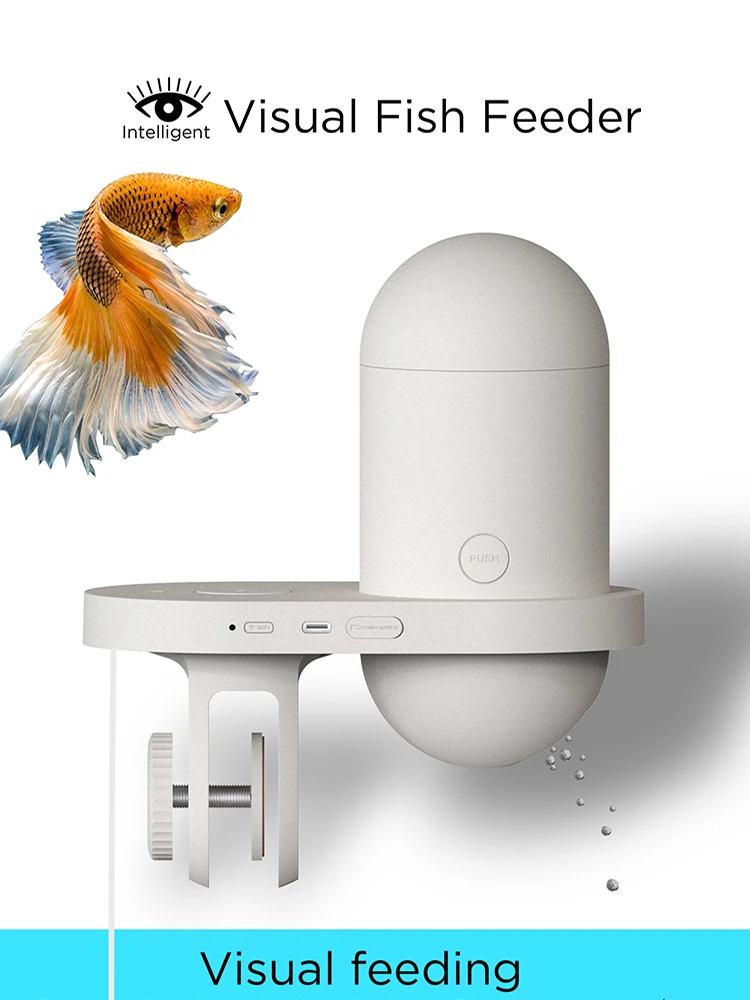
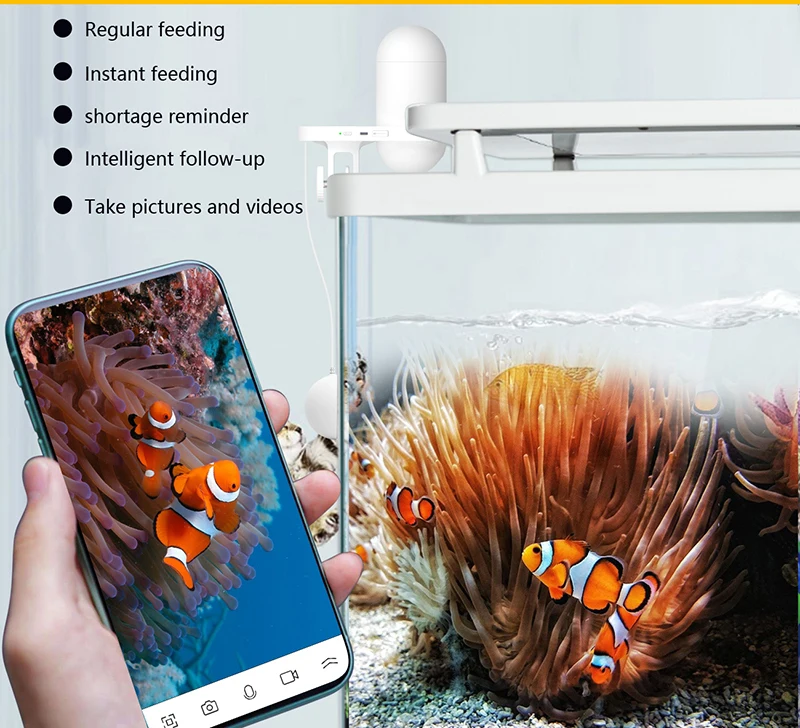
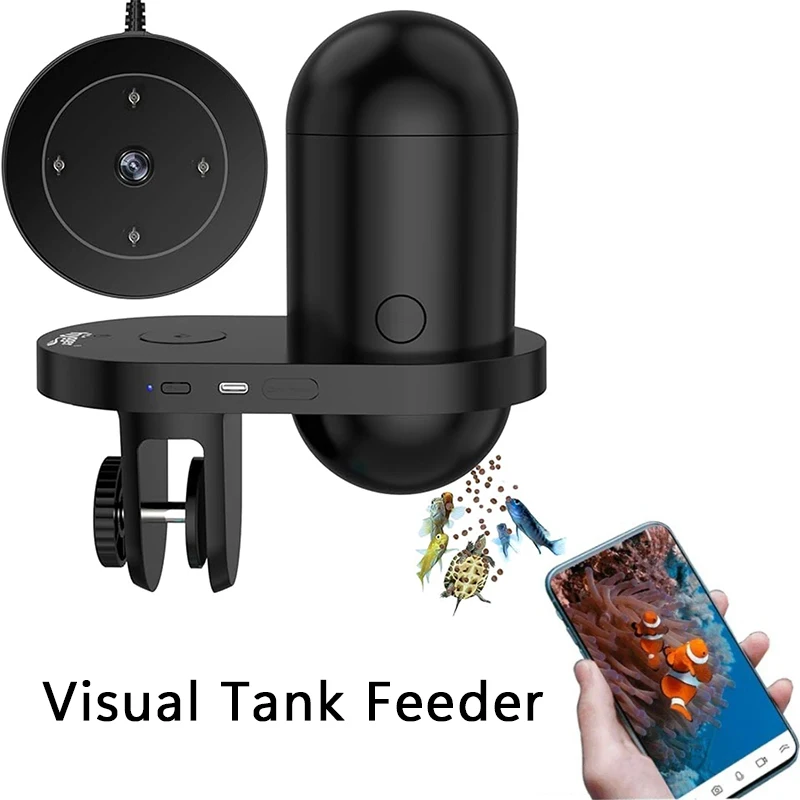
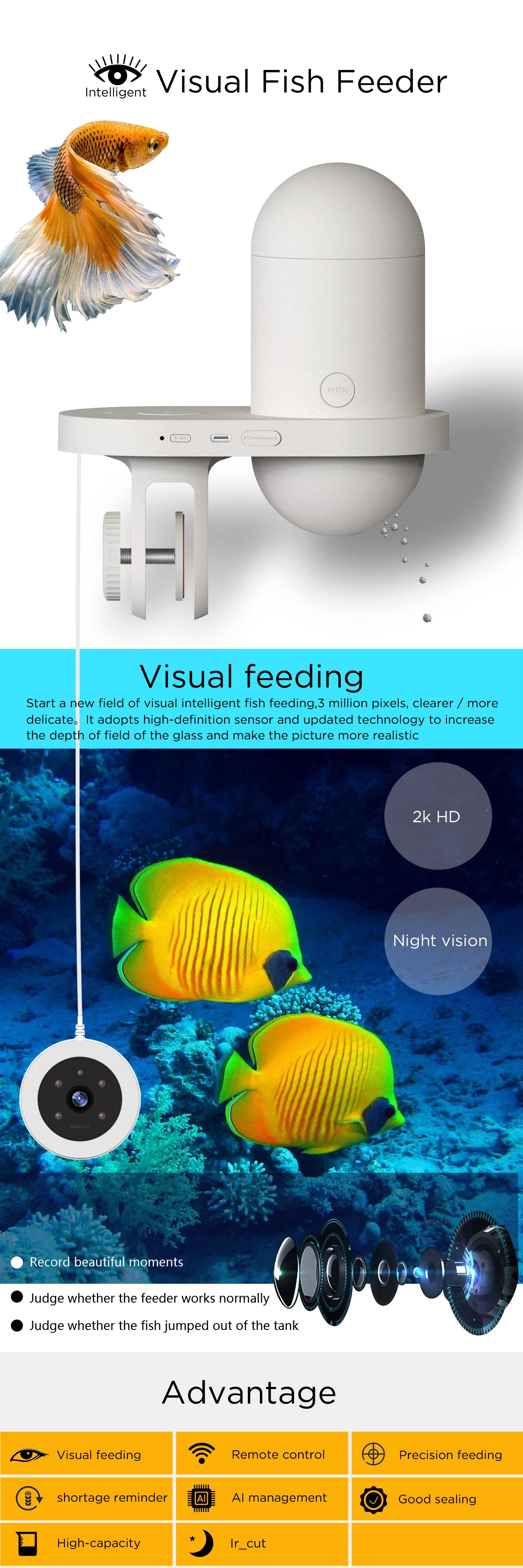
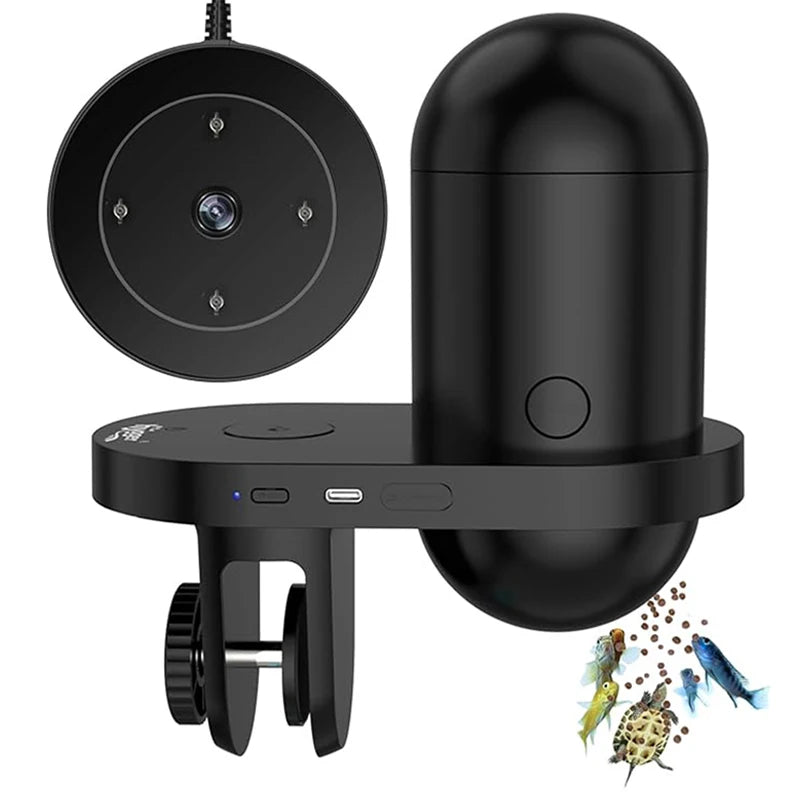
Automatic Fish Feeder With Camera
Automatic Fish Feeder With Camera
Couldn't load pickup availability
SPECIFICATIONS
Brand Name: LMZOE
Max Output: 200g
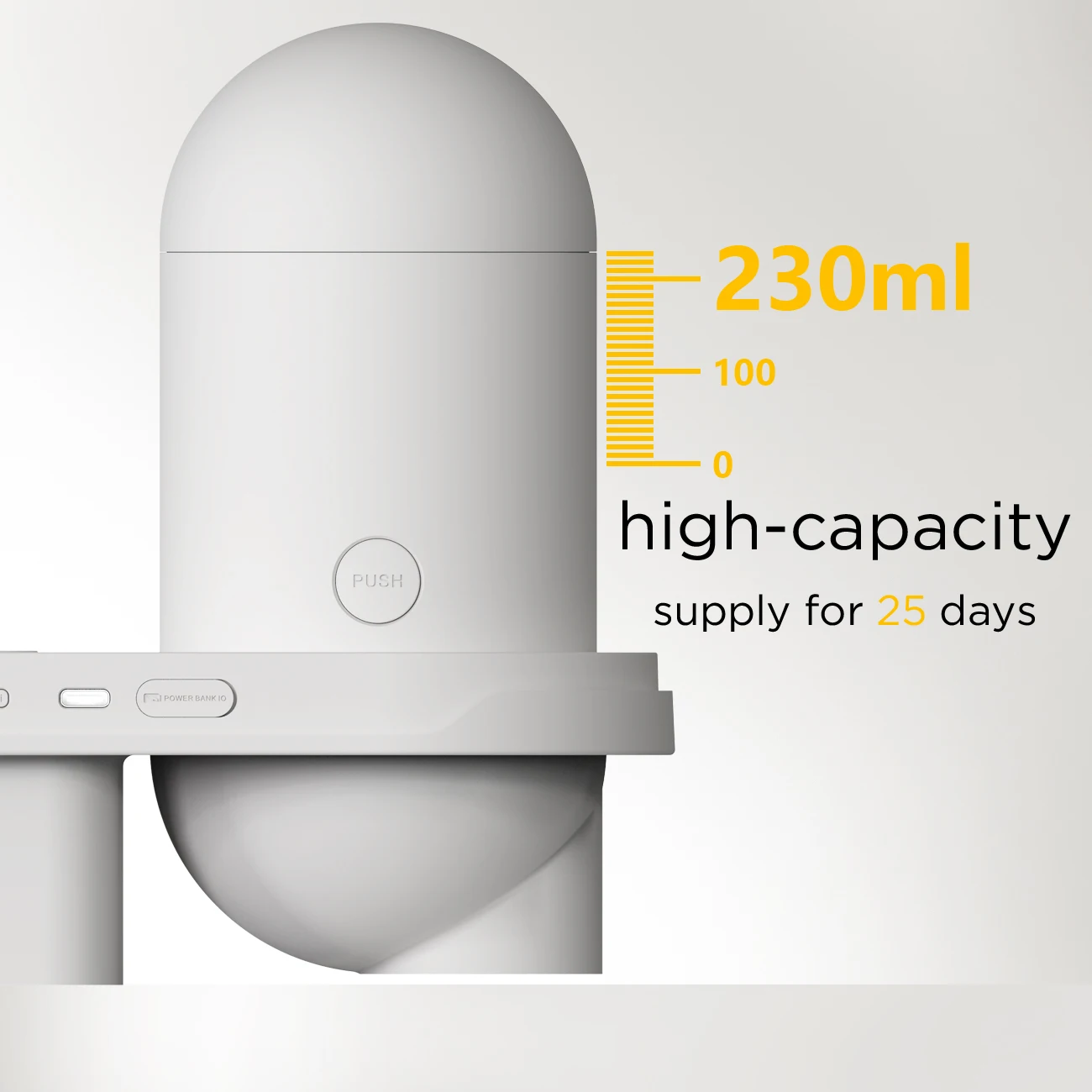
Volume: 230L
Hign-concerned Chemical: None
Min Output: 50g
Number of gears: 2
Choice: yes
semi_Choice: yes
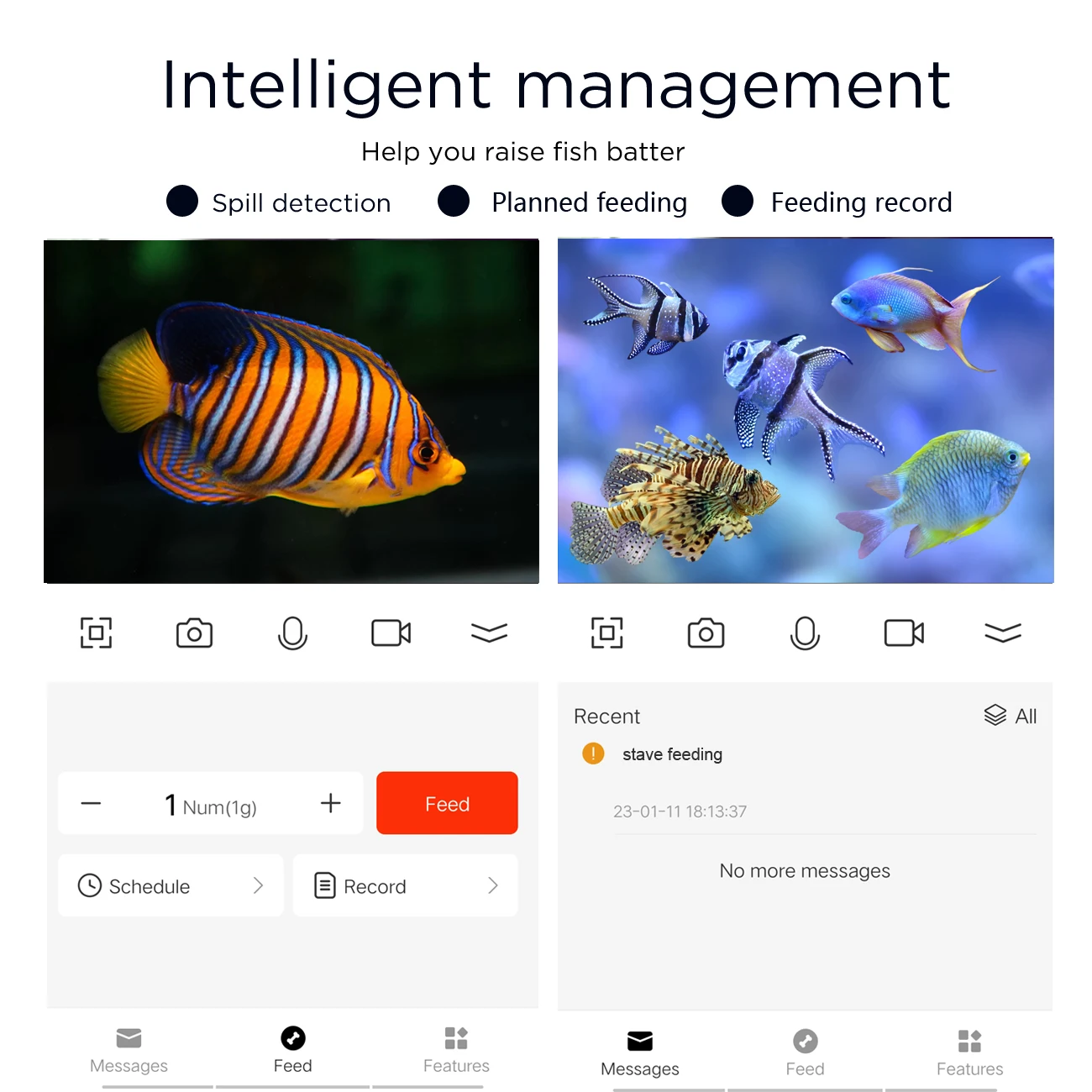
APP Guide:
1,Download and install JLink app(If your device system is IOS, please download the application from the APP Store ).
2,This fish feeder does not support Tuya Smart, Alexa, Smart Life, etc
WiFi/APP connection:
1.Ensure BT & WiFi signal is on(2.4G* WiFi).
2.Press the network reset button for 8 second suntil you hear the "beep" sound.
3.Open JLink app.
4.Click on “Add Device”
5.Found devices:Click on the pop-up dialog box.
6.Connect to Network:Enter the WiFi name and password, and click on “Next step".If your is
5GHz,must set it to 2.4GHz first.
7.Enter device name,click on “Next step".
8.Select devicelocation, and click on “Next step”.
9.Turn on “Push Alarm", and click “Next step”.
10.Connectionis successful,enter and enjoy your feeding.